account_circle
0
account_circle

BuildMidas

dashboard My Dashboard
Builder
web AI Builder grid_view My Builds stadia_controller My Games dashboard_customize Templates storefront Showcase public Published rocket_launch Shipped query_stats SEO Agent Factory
My Domains
language Domain Management
Analytics & Insights
analytics Search Performance monitoring Google Analytics store Store Analytics
Workload
travel_explore Discovery monitoring Portfolio
schedule Schedules notifications Notifications
AI Center
smart_toy Agents menu_book Knowledge extension Skills lightbulb Learnings
Settings
person Profile account_balance_wallet Plans & Credits account_circle Google Accounts cloud_upload Deploy auto_awesome AI media rocket_launch App stores campaign Ad accounts
Help
help GSC Setup Guide help GA4 Setup Guide help App Store Setup Guide

analytics Search Performance Analytics

Loading aggregate performance data...

monitoring Google Analytics Performance

Loading Google Analytics data...

dashboard My Dashboard

language My Domains

account_balance_wallet Plans & Credits

settings Account Settings

personProfile

keyClaude credential

passwordChange Password

account_circle Google Accounts

Google Accounts

No Google accounts connected.

cloud_upload Deploy

Deploy targets

A target is one server's SFTP credentials with a list of domains attached to it. A domain can only belong to one target.

Loading…

campaign Ad accounts

Loading…

auto_awesome AI media

Loading…

rocket_launch App stores Setup Guide →

App store credentials

Connect Google Play so the platform can submit your Android app. Your service-account JSON is encrypted at rest.

Apple — macOS app signing

Store your Apple Developer signing certificate and notary credentials. They are encrypted at rest.

macOS .dmg builds are not yet available on this instance — these credentials are stored securely for when a Mac build runner is connected.

Browser extension stores

Store your Chrome Web Store and Firefox Add-ons (AMO) publishing credentials so the platform can submit your browser extension. All secrets are encrypted at rest.

Add New Domain

Bulk add domains

One domain per line. Optional: add a site name after a comma (e.g. example.com, My Site).

.txt · .csv · .tsv · .json · .xlsx

Scheduled Sync Settings

Edit Domain

Add deploy target

check_circle saved
Leave blank to keep the existing password. Either password OR SSH key must be set.
Auto-fill paths Select all Clear
Domains already attached to other targets are not shown.
Loading…

Deploy versions

Loading…

Deploy settings

Domain:

Connect GSC & GA4

Connect GSC & GA4

search GSC — Google Search Console Setup Guide →
Or use shared account
[email protected]
monitoring GA4 — Google Analytics Setup Guide →

Or enter existing IDs manually (leave blank to auto-create):

analytics Search Performance

progress_activity Loading...

monitoring Google Analytics

progress_activity Loading...

query_stats SEO Agent Factory

checklist Workload

schedule Schedules

Schedules that run automatically. The global schedule runs your chosen agents; each task config can also run on its own daily/weekly schedule.

notifications Notifications

Alerts from your agents — run failures, scheduled runs, and cost alerts.

smart_toy Agents

Configure each agent’s instructions, tools, knowledge and skills.

menu_book Knowledge

Reference files your agents can read. Attach them to specific agents in Customize Agents.

extension Skills

Reusable instruction blocks any agent can use. Create or import a skill once, then assign it to agents in Customize Agents.

lightbulb Learnings

What your agents have learned works.

search GSC Setup Guide

Follow these steps to connect Google Search Console to your domain. This allows us to fetch your search performance data (clicks, impressions, keywords, rankings).

1 Create a Google Cloud Project

    2 Enable APIs

      3 Create a Service Account & Download JSON Key

        4 Connect Your Domain to GSC

        5 (Optional) Get Cloudflare API Key

        If your domain uses Cloudflare DNS, providing your API key allows us to automatically add the DNS TXT record for GSC verification. Otherwise, you'll need to add it manually.

          6 Connect in buildmidas.com

            monitoring GA4 Setup Guide

            Follow these steps to connect Google Analytics 4 to your domain. This allows us to fetch your traffic data (users, sessions, pageviews, engagement).

            1 Enable GA4 APIs in Google Cloud

              2 Grant Service Account Access to GA4

                3 Find Your GA4 IDs (Optional)

                You can leave these blank — we'll auto-discover or create a GA4 property for you. But if you want to enter them manually:

                4 Connect in buildmidas.com

                  rocket_launch App Store Setup Guide

                  Follow these steps to connect your developer accounts, ship the apps and browser extensions you build to their stores, and track how they perform — all from this dashboard.

                  1 Open the store credentials page

                    2 Google Play — service-account JSON

                      3 Chrome Web Store — two credential types

                        4 Firefox Add-ons — API keys

                          5 (Optional) Apple — macOS app signing

                          If you have an Apple Developer account, store your signing certificate (.p12 + password), Team ID, and notarization credentials on the same page. They are encrypted at rest and used automatically once macOS builds are available on your instance.

                          6 Ship a build to the stores

                            7 Track your shipped apps & store analytics

                              dashboard_customize Templates

                              Reusable starting points — structure and style from your own builds or the platform library. Pick one to start a new chat with its look and layout already in place.
                              dashboard_customize No templates yet. Save one from a completed version in the preview panel.

                              stadia_controller My Games

                              Every game you've built — 2D, 3D and board games — with play mode and publish state at a glance. Click a card to play, iterate in its chat, or publish it to a live link.
                              videogame_asset_off No games yet. Build one in AI Builder — describe a board or card game and pick a template.
                              search_off No games match your filters.
                              My Games / …
                              Select a file from the tree to view its contents.

                              …

                              Author
                              —
                              Views
                              —
                              Published
                              —

                              Prompt

                              The prompt that generated this build — copy it or start your own.


                              Related games

                              storefront Showcase

                              Browse sites other users have published to buildmidas.com. Click any card to view it live, or use it as a starting point for your own chat.
                              storefront No public sites yet. Be the first — publish one from your version card and mark it Public.

                              grid_view My Builds

                              Every website you've generated. Click a card to jump back to its chat.
                              web_asset_off You haven't built anything yet. Open AI Builder and start a new chat.

                              monitoring Venture Portfolio

                              Every idea as a venture through the funnel — researched, validating, validated, building — with demand metrics and promotion status in one view.

                              travel_explore Discovery

                              Research before you build: agents mine rising trends, social-media complaints, Q&A pain points and competitor gaps into evidence-backed Opportunity Briefs — each one a click away from becoming a build.

                              rocket_launch Shipped

                              Everything you've shipped — browser extensions, mobile and desktop apps to their stores, and deployed websites — with each destination's status and a link to open it live.

                              store Store Analytics

                              Users, ratings, and downloads for your shipped extensions and apps, sampled daily to build a history over time. Chrome numbers come from the public store listing; Firefox from the add-ons API.

                              public My Published Builds

                              Sites you've published to buildmidas.com subdomains. Click Open to view, or use the kebab to update / unpublish / roll back.
                              public_off You haven't published any sites yet. Build one in AI Builder and click Publish on the version card.
                              search_off No published sites match your filters.
                              Templates / …
                              Template snapshot

                              Select a file from the tree to view its contents.

                              …

                              Files
                              —
                              Size
                              —
                              Created
                              —

                              Prompt

                              The prompt that generated this build — copy it or start your own.


                              Key highlights

                                About this template

                                How to use this template

                                1. 1
                                  add_comment Start a new chat from this template
                                  Click Start new chat. In the new chat's welcome screen, pick how you want the agent to use this template — Use as seed clones the files at first plan approval and the agent edits them; Use as reference keeps the agent's site original while studying this template's design. You can also remove the template.
                                2. 2
                                  download Download the source files
                                  Click Download to grab the full site as a ZIP — useful for off-platform inspection, version control, or hosting outside the dashboard.

                                Related templates

                                Showcase / …
                                App snapshot

                                Select a file from the tree to view its contents.

                                …

                                Author
                                —
                                Views
                                —
                                Published
                                —

                                Prompt

                                The prompt that generated this build — copy it or start your own.


                                Related builds

                                AI Assistant

                                auto_awesome

                                BuildMidas Assistant

                                Your guide to everything BuildMidas — building sites, apps, and games, deploying and publishing, your domains and analytics, credits, and more. Ask me anything.

                                Google Indexing Status

                                Checking indexing status...

                                Search Performance Data

                                Loading performance data...

                                Google Analytics Data

                                Loading analytics data...

                                BuildMidas

                                Sign in to access the dashboard

                                or
                                Don't have an account? Sign up
                                BuildMidas

                                Turn an idea into a shippable product.

                                Describe what you want — BuildMidas plans it, builds it, verifies it, and ships it live.
                                • Every build verified before you see it
                                • Sites, apps, games, extensions — and the stores
                                • Free to start — no card required
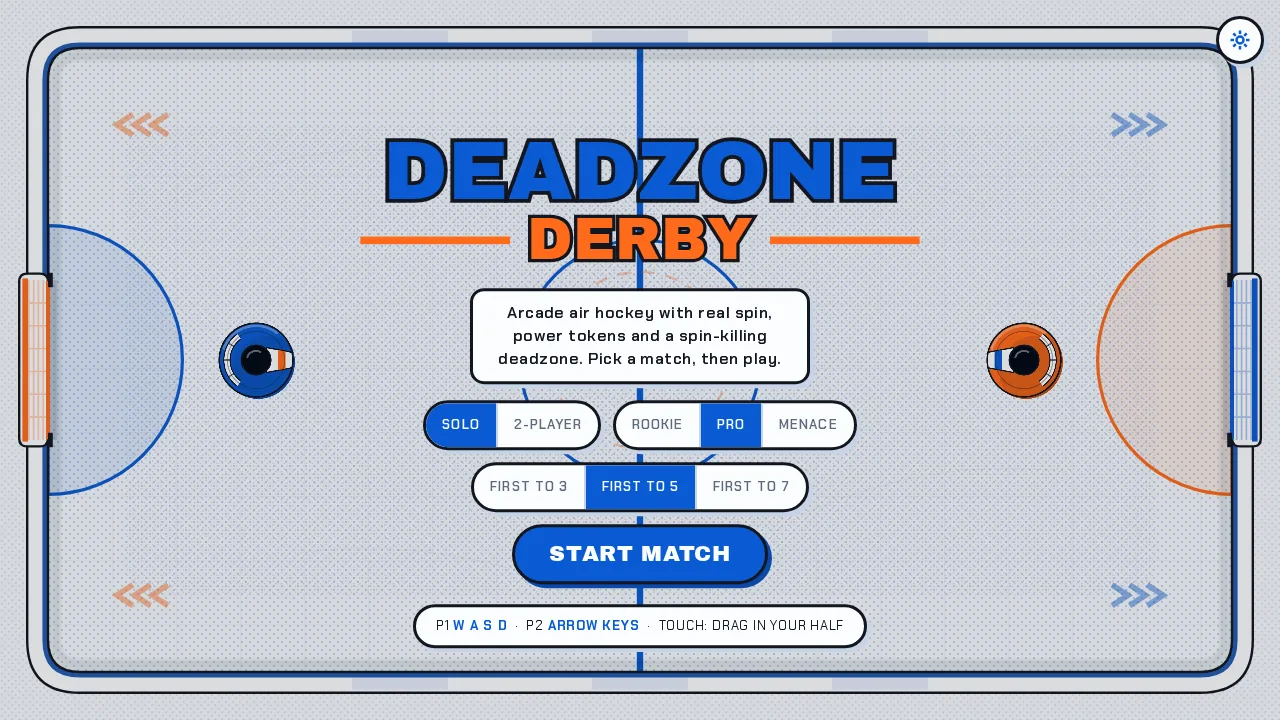
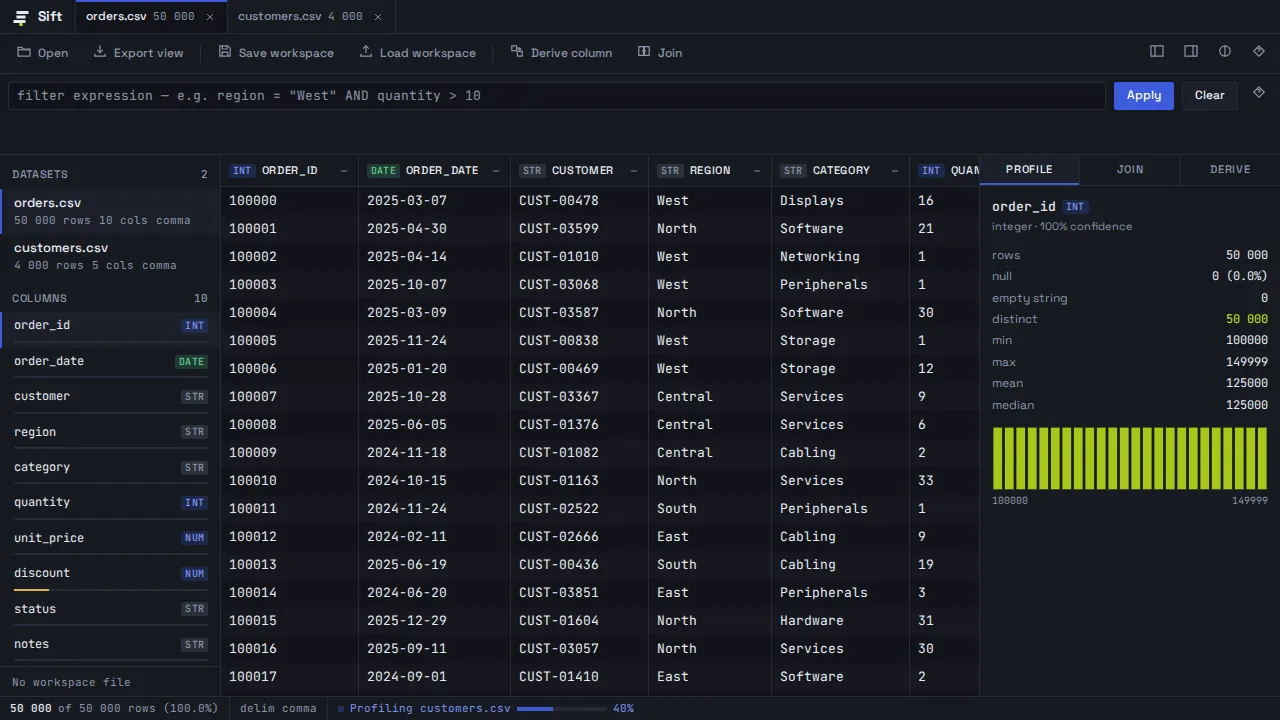
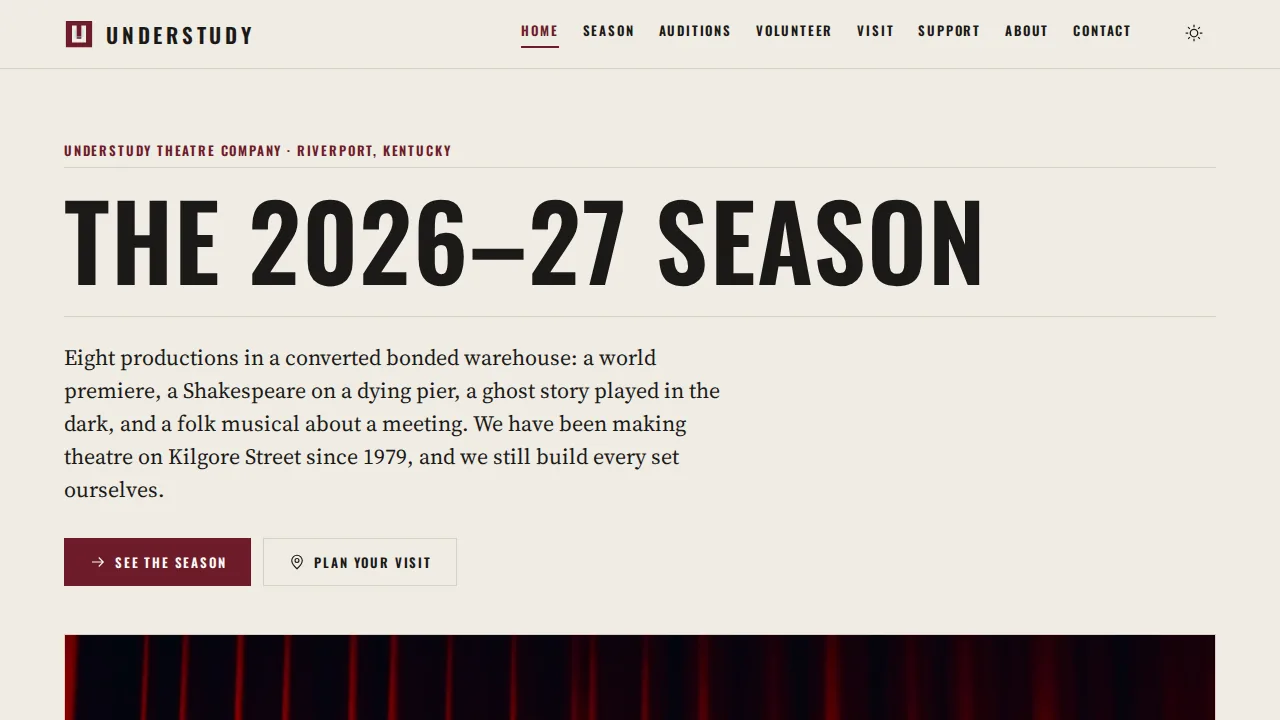
                                A website built with BuildMidas A game built with BuildMidas An app built with BuildMidas