analytics Search Performance Analytics
Loading aggregate performance data...
Loading aggregate performance data...
Loading Google Analytics data...
A target is one server's SFTP credentials with a list of domains attached to it. A domain can only belong to one target.
Connect Google Play so the platform can submit your Android app. Your service-account JSON is encrypted at rest.
Store your Apple Developer signing certificate and notary credentials. They are encrypted at rest.
macOS .dmg builds are not yet available on this instance — these credentials are stored securely for when a Mac build runner is connected.
Store your Chrome Web Store and Firefox Add-ons (AMO) publishing credentials so the platform can submit your browser extension. All secrets are encrypted at rest.
One domain per line. Optional: add a site name after a comma (e.g. example.com, My Site).
Or enter existing IDs manually (leave blank to auto-create):
Schedules that run automatically. The global schedule runs your chosen agents; each task config can also run on its own daily/weekly schedule.
Alerts from your agents — run failures, scheduled runs, and cost alerts.
Configure each agent’s instructions, tools, knowledge and skills.
Reference files your agents can read. Attach them to specific agents in Customize Agents.
Reusable instruction blocks any agent can use. Create or import a skill once, then assign it to agents in Customize Agents.
What your agents have learned works.
Follow these steps to connect Google Search Console to your domain. This allows us to fetch your search performance data (clicks, impressions, keywords, rankings).
If your domain uses Cloudflare DNS, providing your API key allows us to automatically add the DNS TXT record for GSC verification. Otherwise, you'll need to add it manually.
Follow these steps to connect Google Analytics 4 to your domain. This allows us to fetch your traffic data (users, sessions, pageviews, engagement).
You can leave these blank — we'll auto-discover or create a GA4 property for you. But if you want to enter them manually:
Follow these steps to connect your developer accounts, ship the apps and browser extensions you build to their stores, and track how they perform — all from this dashboard.
If you have an Apple Developer account, store your signing certificate (.p12 + password), Team ID, and notarization credentials on the same page. They are encrypted at rest and used automatically once macOS builds are available on your instance.
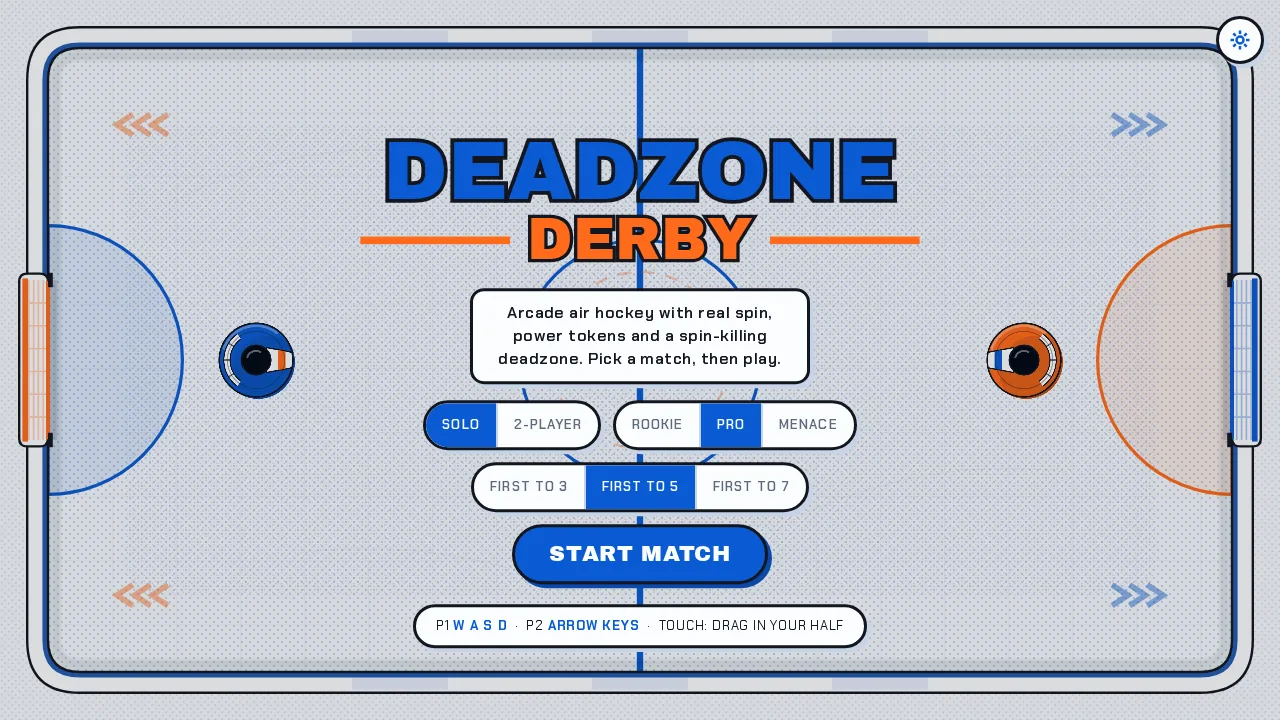
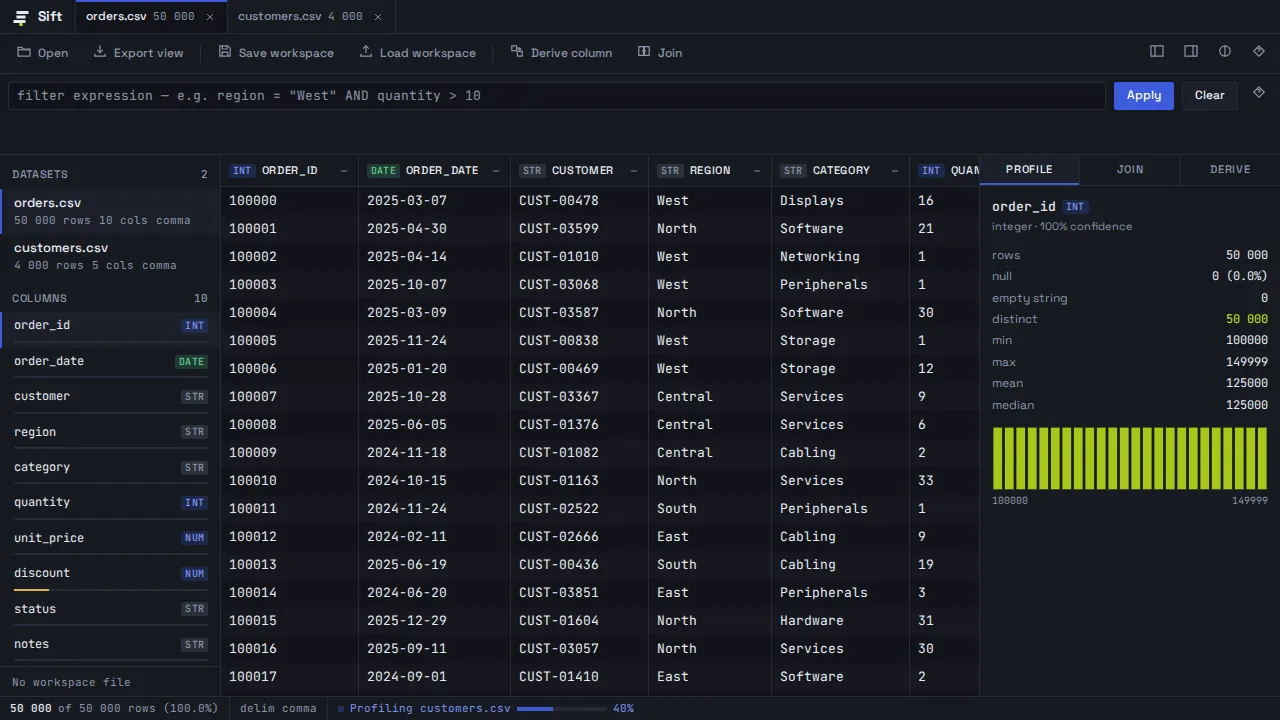
The prompt that generated this build — copy it or start your own.
The prompt that generated this build — copy it or start your own.
The prompt that generated this build — copy it or start your own.
Your guide to everything BuildMidas — building sites, apps, and games, deploying and publishing, your domains and analytics, credits, and more. Ask me anything.
Describe what you want — BuildMidas plans it, builds it, verifies it, and ships it live.