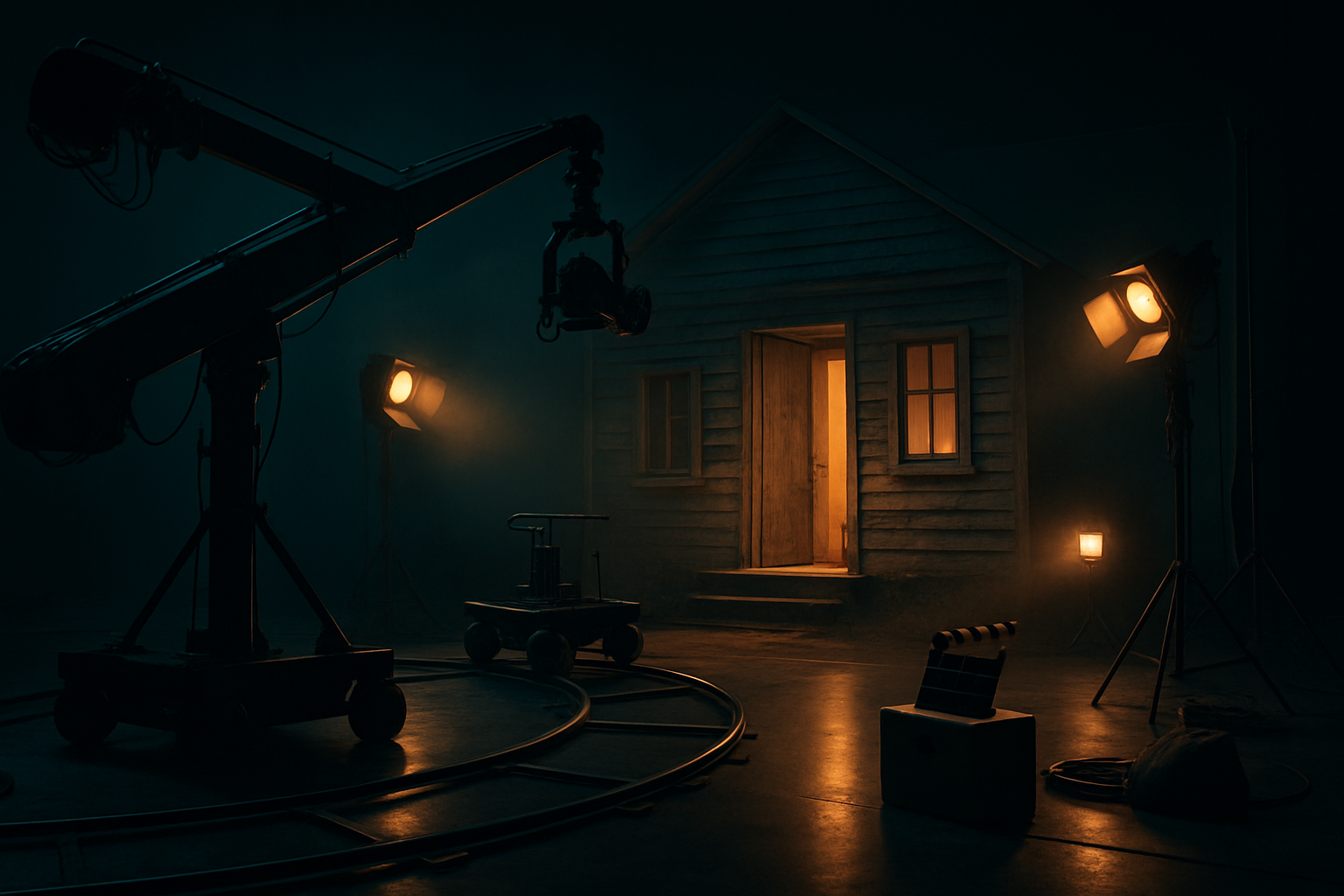
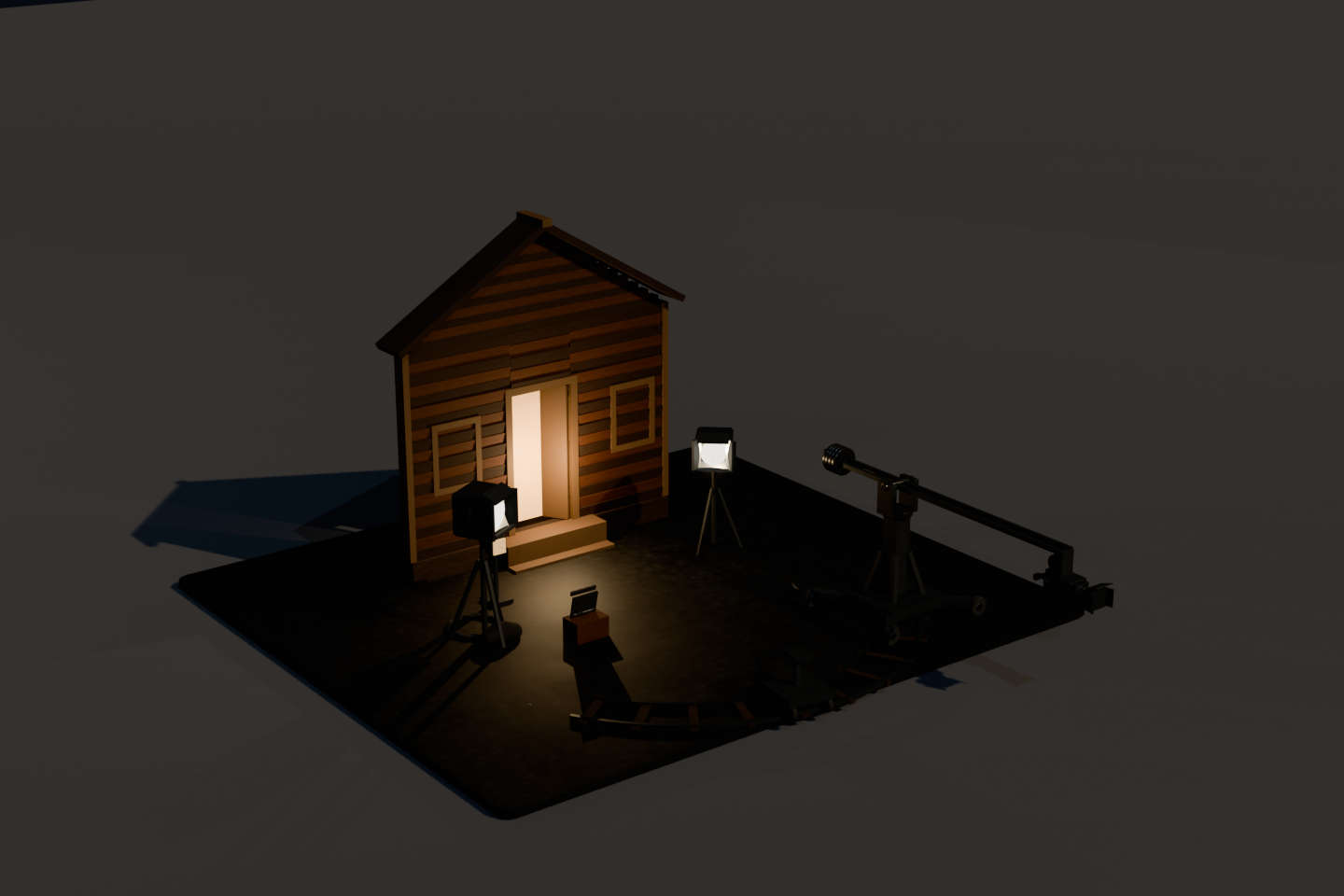
A film soundstage between takes: a counterweighted camera crane on a wheeled base swings over a curved dolly track, two barn-door fresnels throw warm tungsten across a weathered clapboard facade, and one lit doorway is the shot everyone is set up for. The crane plays a four-shot list — establishing, dolly in, crane up, push to the door — and you can take the rig yourself: drag to orbit the studio floor, A/D swings the column, W/S raises the boom, Q/E works the lens. The camera on the boom is a real camera in the scene, and what it sees renders live in the corner. The engine question was whether URP's camera STACK — the feature every picture-in-picture, weapon view and UI-over-3D overlay depends on — works at all in a scene built entirely from code. Press K to see the answer for yourself.
1 · AI conceptConcept prompt
A small film soundstage at night seen from the studio floor: a camera crane with a counterweighted arm and a real camera head mounted at its end, a curved dolly track laid across the floor with a wheeled dolly on it, a partial set being filmed at the far end — a weathered timber house facade with one warm lit doorway and a painted backdrop behind it — surrounded by lighting stands with barn-door fresnels throwing hard warm pools, sandbags and coiled cable on the polished concrete floor, a clapperboard resting on an apple box, thin haze in the light beams, everything outside the lit set falling into deep teal-black shadow, warm tungsten amber against cool teal darkness, weathered timber and matte black rigging, quiet between-takes mood, high-end stylized 3D game render, no text, no watermark, no UI
2 · Blender render (code-modeled)
Drag to orbit · A/D swings the crane · W/S raises the boom · Q/E zooms the lens · 1-4 pick a shot · Space auto/manual · K toggles the camera stack · T re-runs the self-testOpen fullscreen ↗
Made by AI, compiled by the real Unity 6 engine. This is a CAMERA piece, and the probe had to be something the lab had not already measured: earlier cycles covered camera modes, occlusion pull-in and screen shake, so this one went after URP camera stacking — a Base camera with an Overlay camera added to its stack, which is how picture-in-picture, weapon views and UI-over-3D are normally built. The finding is blunt: in a code-built WebGL scene, adding an Overlay camera to the stack does not merely fail to draw the overlay — it blacks out the ENTIRE frame. Scene, imported models, even code-built emissive geometry all vanish while the interface keeps drawing, and nothing throws an error or logs a warning. It was proven with a single-variable A/B that reverses cleanly in both directions, which is why the piece ships with the stack OFF and hands you the K key to switch it on and watch the studio disappear. Four Blender exports carry the set — the crane, the facade, the lighting stands and the loose floor kit — and the engine builds the crane's kinematic chain at load, because a glTF file publishes part POSITIONS, not a hierarchy. Every direction control is derived from the camera's own basis rather than from world axes, and the piece proves it to itself on screen at boot and again after every shot change: hold a key, measure where the crane head actually moved in the frame, assert it matched. That test caught a dead rig on the first build with a delta of exactly zero. All sound is sampled - never synthesized.