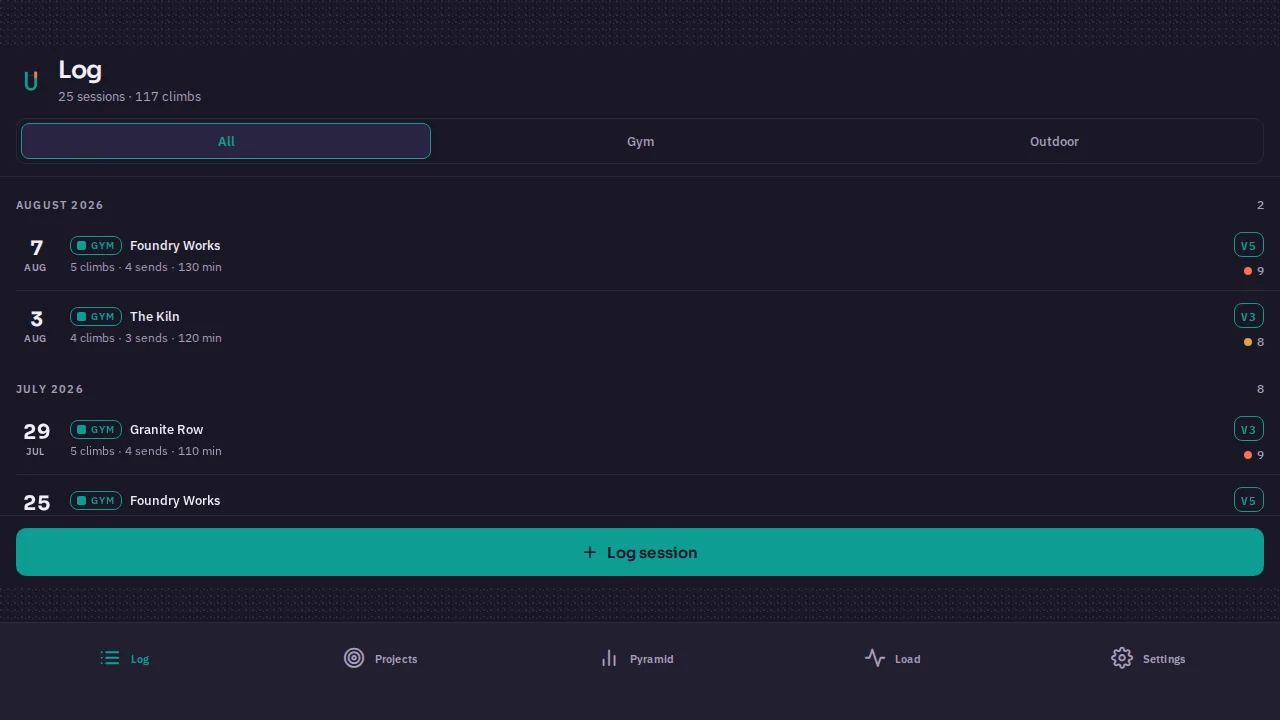
The first sentence you type doesn't need to be good. "A training log for climbers" is enough — that one became the app on this post's cover. Here's what happens after you press enter, so nothing about the process surprises you.
Minute one: the plan
The builder doesn't start typing code at you. It reads your sentence, thinks about what you probably mean, and comes back with a plan: the pages or screens it intends to build, the features it inferred, and — only if something genuinely matters — a question or two. Not twenty questions. If you said "climbing log," it will assume sensible things about grades and sessions rather than interrogating you about them.
You approve the plan (or edit it in plain language first). That approval is the last required action before you see a product.
The next few minutes: watching it work
Builds run server-side with a live activity feed — you can watch files land, images generate, and checks run, or you can close the tab entirely and come back. Simple sites finish in minutes. Apps with backends and games take longer, and native packaging (a real Android build) adds its own toolchain time. The feed tells you which phase you're in.
The part you don't see
Before the build is called done, separate verifier agents put it through review — code, security, links, SEO, accessibility, and a conformance check against the plan you approved. Findings get fixed and re-checked automatically. The full story is in How builds verify themselves; the short version is that "done" here means passed, not generated.
What you have at the end
- A working product in a real preview you can click through — not a mockup.
- A chat thread attached to it, where "make the header darker and add a stats page" produces version 2 alongside version 1.
- Buttons that matter: publish live, download the code, build native installers, ship to a store.