People assume a build prompt should read like a requirements document. It shouldn't. The builder plans before it builds and fills gaps with sensible defaults, so your prompt's real job is narrower: say the things you actually care about, and don't bury them.
The four ingredients worth including
- What it is — "a booking site for a yoga studio", "a co-op puzzle platformer", "an expense-splitting app". One clause.
- Who it's for, when it matters — "for the studio's existing students" changes the build more than three feature requests.
- The must-haves — the two or three features that make it yours: "class schedule, online payments, teacher bios". Not every feature; the ones you'd reject the build for lacking.
- The mood, if you have one — "warm and hand-drawn", "clinical and fast", "like a 90s arcade". The design director commits to an art direction either way; a mood word aims it.
What to leave out
Page-by-page layouts, technology choices, exhaustive feature lists. Over-specified prompts don't produce better builds — they produce builds that dutifully include your weakest ideas. The plan step exists precisely so you can react to a concrete proposal instead of imagining everything upfront; details are cheaper to add in the chat after you've seen version one.
Three real shapes that work
| Prompt | Why it works |
|---|---|
| "A training log for climbers — sessions, grades, progress charts." | What + three must-haves. Ten words of requirements. |
| "A landing page for my podcast about urban farming, warm and editorial, with an episode list and a subscribe form." | What + audience implied + mood + two features. |
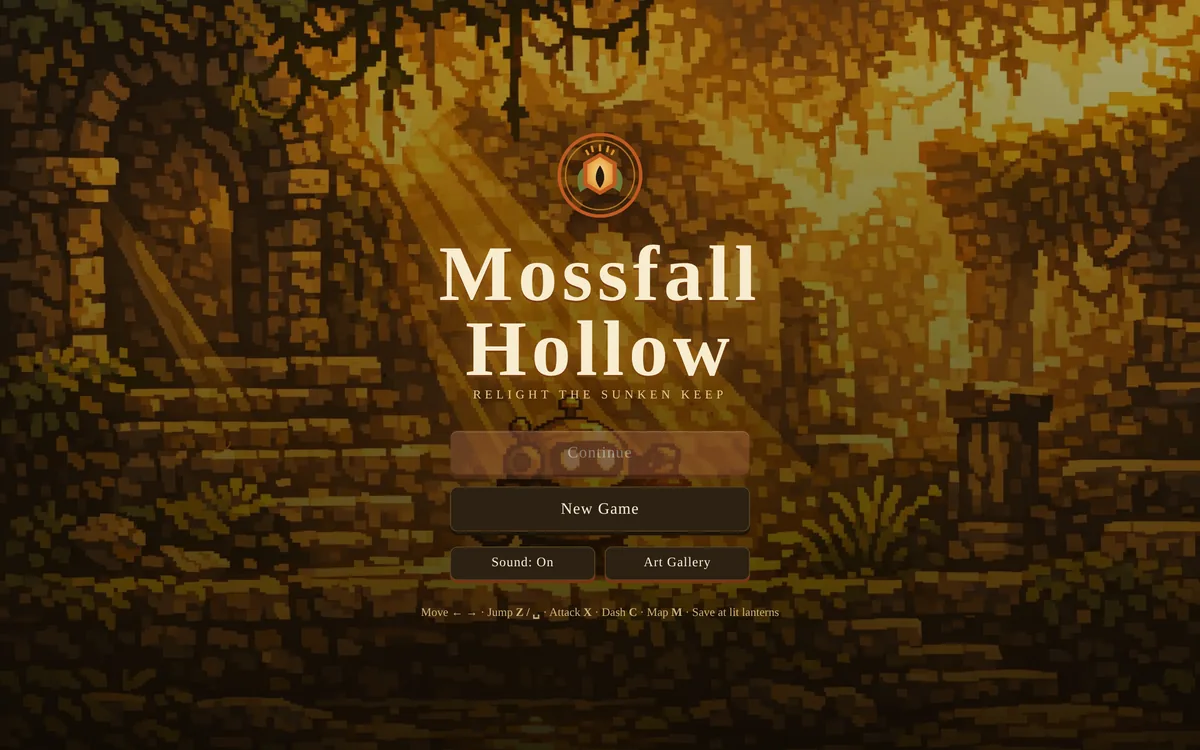
| "A two-player air-hockey game, real physics, one keyboard." | Games: genre + the constraint that defines play. |
If you have materials, attach them instead of describing them. Real menu, real photos, brand colors — the knowledge and reference features feed them straight into the build, and facts beat descriptions of facts.
← All posts