Real websites, verified before you see them

The AI website builder that ships finished sites

Describe the site in a sentence. The builder plans it, designs it with a committed art direction, writes every page, verifies the result across 15 layers, and puts it live — subdomain, your server, or your domain.

Business sitesLanding pagesPortfoliosRestaurants & venuesEvent sitesBlogs & editorial
Not a template engine

Real sites, never the same one twice

Three things separate a shipped website from a generated mockup: real design decisions, real content placement, and real checks. All three are built in.

Design director

A committed art direction, every time

Before a line of markup, a design director commits the build to a palette, type system and mood — so the same prompt never returns the same site, and nothing looks like an AI template.

  • Per-build design brief — palette, type, mood
  • AI illustrations generated inside that direction
  • Bring brand assets and references; the director designs to them
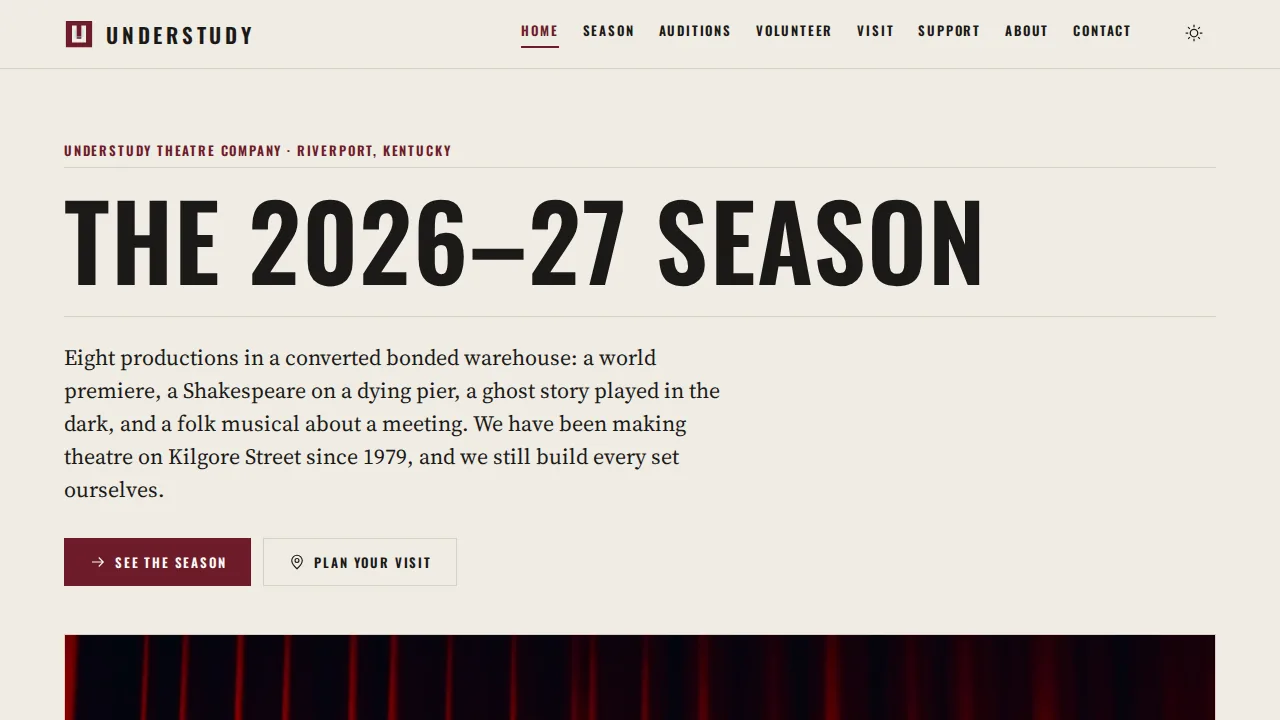
Understudy — a community theatre site built by the platform
Your facts, not plausible ones

Content that's actually yours

Attach knowledge files (menus, bios, price lists) and your real photos; the builder treats them as ground truth and places them where they belong. Generated art fills only the gaps.

  • Knowledge files become the site's facts
  • Your images land in the right sections
  • Reference sites steer the style
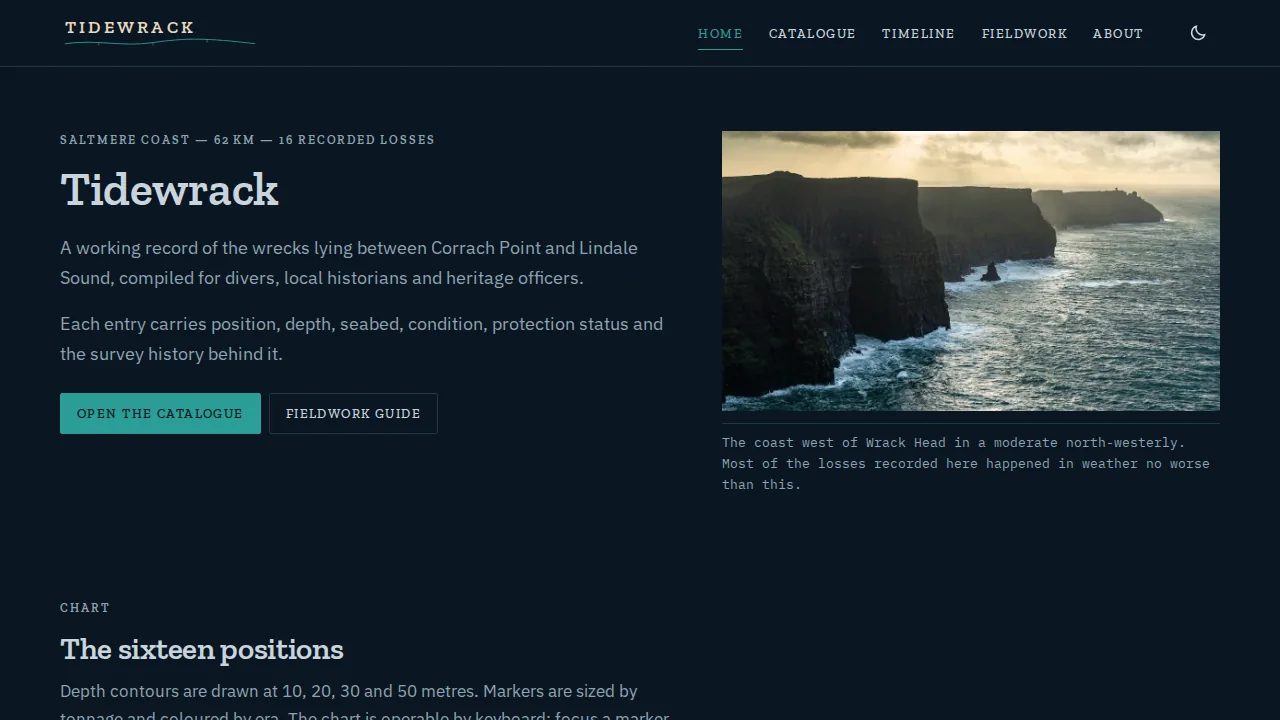
Tidewrack — a coastal atlas website
SEO from the first byte

Search-ready without a plugin in sight

Every site ships with correct metadata, robots.txt, a sitemap, clean semantic structure and passing accessibility checks — verified, not assumed, before completion.

  • Per-page titles and descriptions written for search
  • Sitemap and robots.txt correct on day one
  • An SEO verifier blocks completion on failures
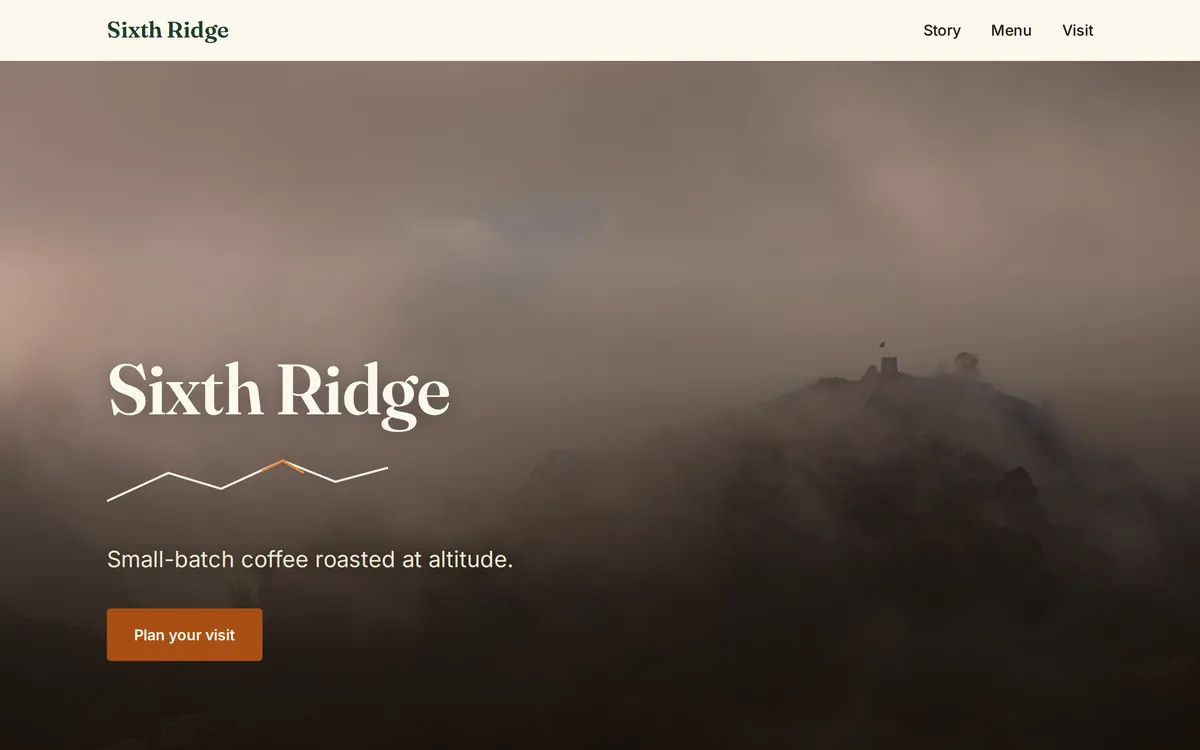
Sixth Ridge — a brand site
How it works

From sentence to live site

Five steps, most of them watching.

1

Describe it

One sentence is enough — audience and mood help. The builder asks only what truly matters.

2

Approve the plan

Pages, features and site type, proposed before any build spend. Edit it in plain language.

3

Watch it build

Server-side with a live preview and activity feed. Close the tab; it keeps going.

4

Verification runs

Code review, security, links, SEO, accessibility, conformance — fixed and re-checked until clean.

5

Go live

One click to yourname.buildmidas.com, deploy to your server over SFTP, or point your domain.

After the build

A site that keeps getting better

Publishing is the midpoint. Connect two Google accounts and the loop keeps working on your site with real data.

Publish, deploy, or both

Free subdomain in one click; SFTP deploys to your own server with version history and one-click revert; republish any version anytime.

Search Console tracing

Daily queries, impressions, clicks and positions per page — the pages that attract but don't convert become work items.

Analytics tracing

Sessions, sources and behavior, hostname-filtered so shared properties never leak another site's numbers.

The optimizer

Report-only, propose, or autonomous with rollback: title rewrites, content gaps and structure fixes drawn from your data — applied and re-verified.

Built in

Everything the website builder ships with

Site types that fit

Plain sites, installable PWAs, and compiled framework builds — chosen at plan time for what the site needs.

Versions & rollback

Every change is a new version beside the old one; nothing edits in place.

20 languages

The dashboard and your builder chat work in twenty languages; agents reply in yours.

Templates

Save any site as a reusable starting point with structure and style intact.

Image library

Your logos and photos, scoped per project or account-wide, placed where they belong.

The verification record

Every version carries what was checked, found and fixed — receipts, not vibes.

Ideas

Sites people start with

A booking site for a yoga studioA restaurant site with menu and hoursA portfolio with case studiesA local league site with rostersA community-theatre season siteA product landing page with a waitlist
FAQ

website builder FAQs

How long does a website take?+
Simple sites land in minutes; content-heavy sites take longer because verification actually runs. You can leave the page — builds continue server-side.
Is the build checked before I get it?+
Yes — every build runs a verify → fix → re-verify loop (code review, security audit, links/SEO, accessibility, conformance, an in-browser run) and the loop keeps iterating until the verifiers find nothing left to fix. Details: How builds verify themselves.
Can I use my own domain?+
Yes — deploy over SFTP to your own server (with version history and revert), or keep the free subdomain and point your domain at it. See the deploy manual.
Will it look like every other AI site?+
That's the design director's whole job: each build commits to its own palette, type and mood before generation. Same prompt twice = two different sites — see the style triptych on the homepage.
How do I see how the site performs?+
Connect Google Search Console and Analytics once (setup manual); daily data flows into your dashboards and the optimizer turns gaps into proposed fixes.
Do I own what I build?+
Yes — prompts, content, and the built product are yours, including commercial use (Terms §5). Publishing and store accounts are in your name, not ours.
Can I try it for free?+
Yes — the free plan includes every builder and the full verification chain, with a monthly credit allowance and no card at signup. See what the free plan actually includes.

More answers in the full Q&A and the handbook series.

More builders

Describe the site. Ship the site.

A finished, verified, search-ready website from one sentence — free to start, no card.

Start building free