Gallery Cut
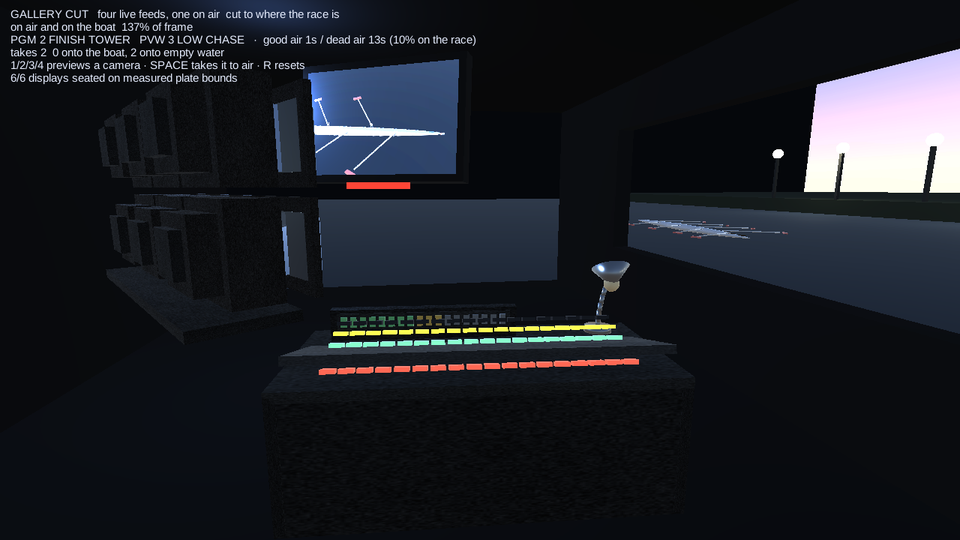
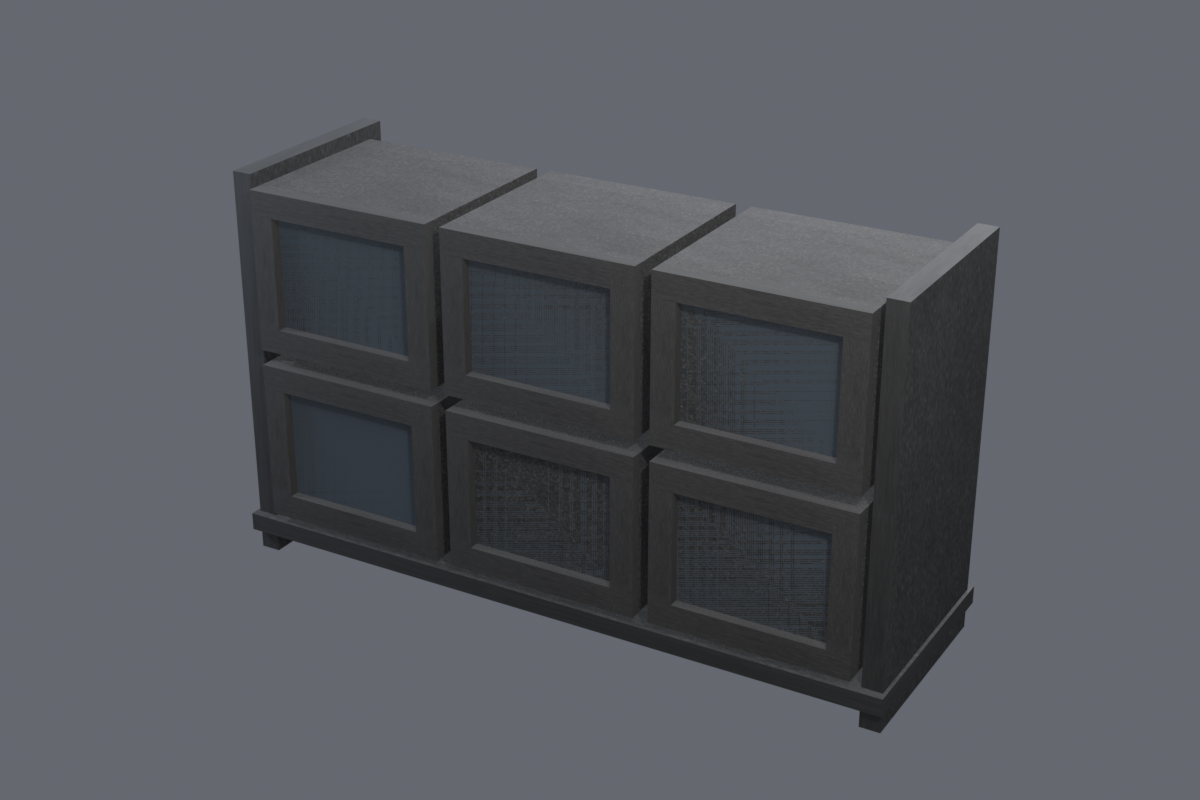
You are the vision mixer in an outside-broadcast gallery over a floodlit river regatta. Four fixed cameras cover the course - boathouse wide, finish tower, a railed low chase and the bridge gantry - and all four are live at once on the CRT wall. Press 1/2/3/4 to preview a camera and SPACE to take it to air as the eight runs past. The scoring is the point and it is measured, not scripted: every frame, the feed you are actually on is tested against the boat's real renderer bounds, so air time is booked as good or as DEAD AIR, and a cut onto an empty river is named as one. The console, the monitor wall and the eight are code-modeled Blender exports; the four feeds are genuine simultaneous RenderTexture cameras.
Play it now
Tap once for sound - 1/2/3/4 previews a camera - SPACE takes it to air - R resets
The concept is the contract
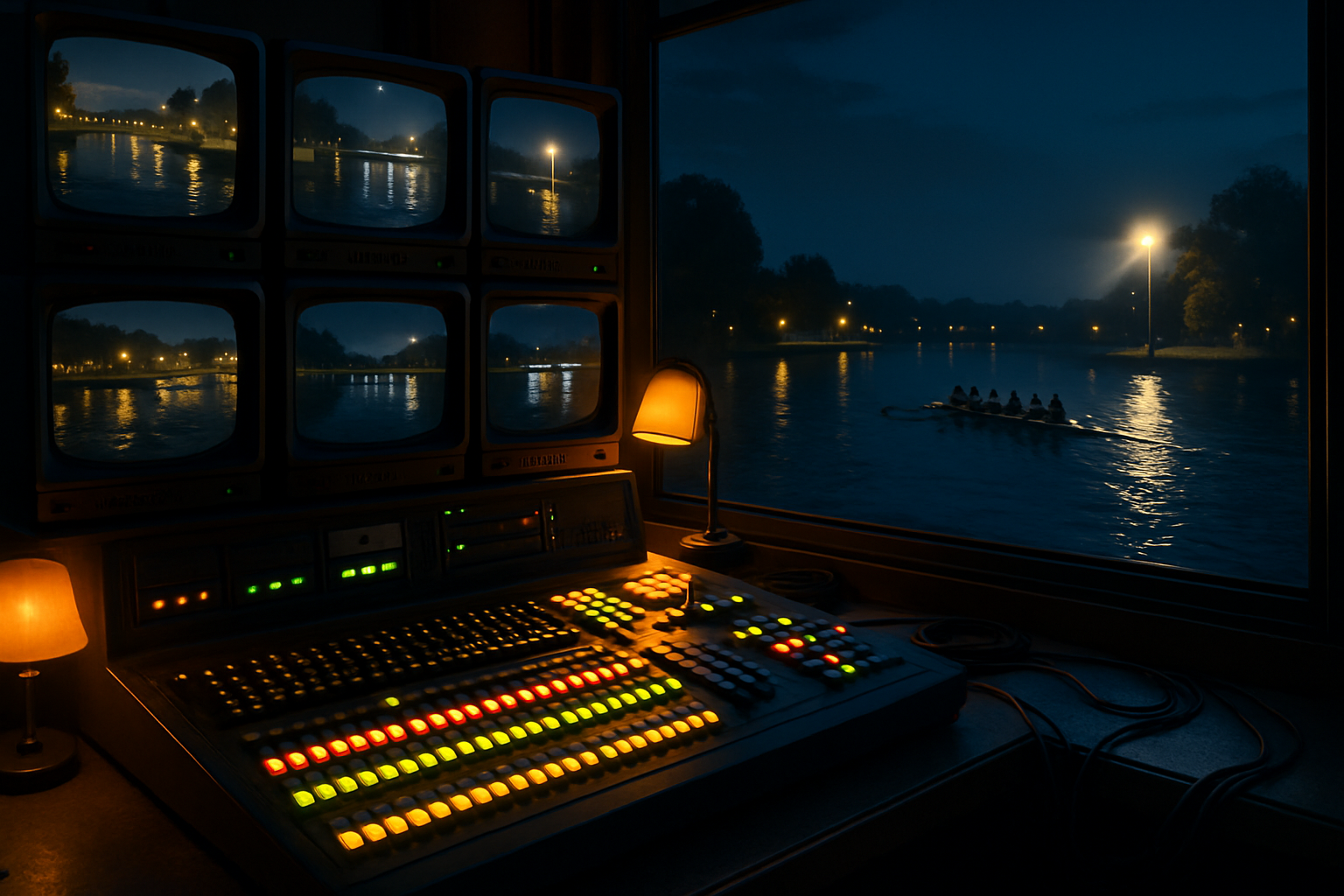
The piece was concepted first — an AI key-art painting — and its hero assets were then code-modeled in headless Blender and audited against that concept. The pair below is the contract and the build.
Concept prompt
A television outside-broadcast gallery at dusk overlooking a floodlit river regatta: a vision-mixer desk in the foreground with a long row of illuminated cut buttons and a chrome T-bar fader, a stack of boxy CRT monitors above it each showing a different live camera angle of the river, warm amber desk lamps and green button glow against cool blue twilight through the window, a rowing eight cutting a dark river beyond under floodlights.
Code-modeled in Blender
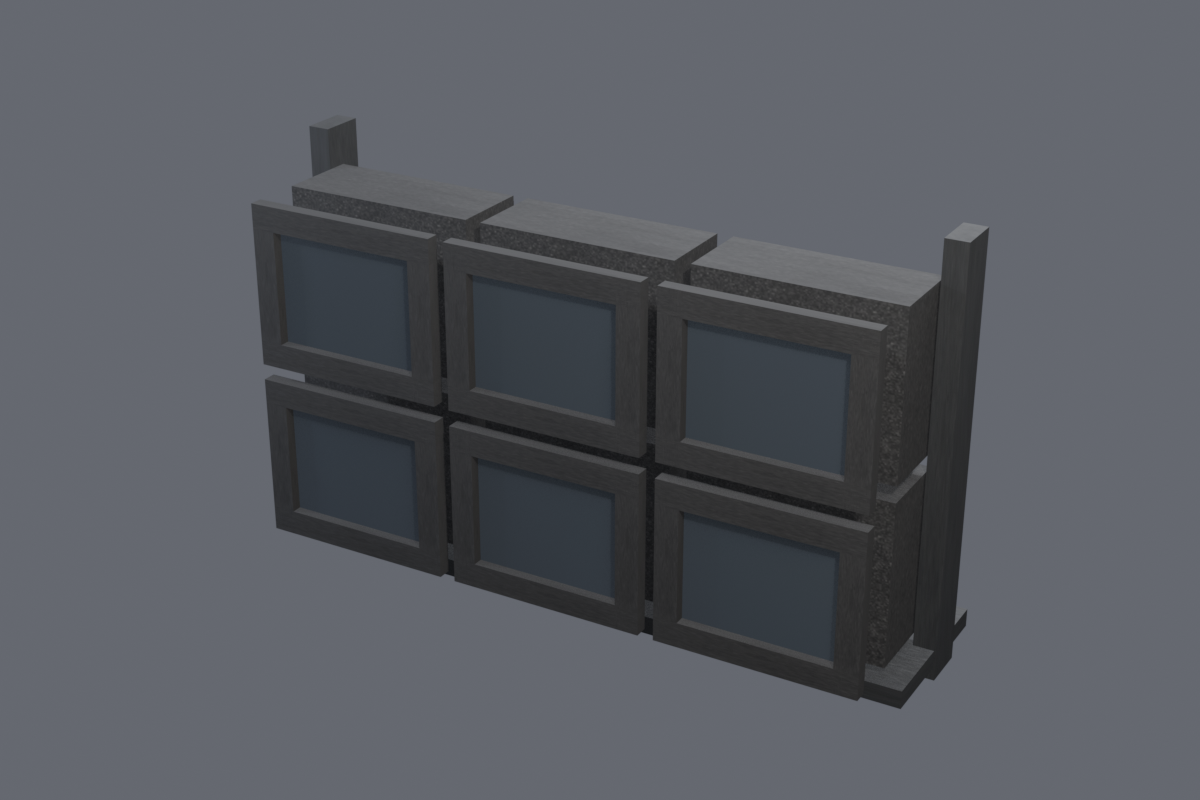
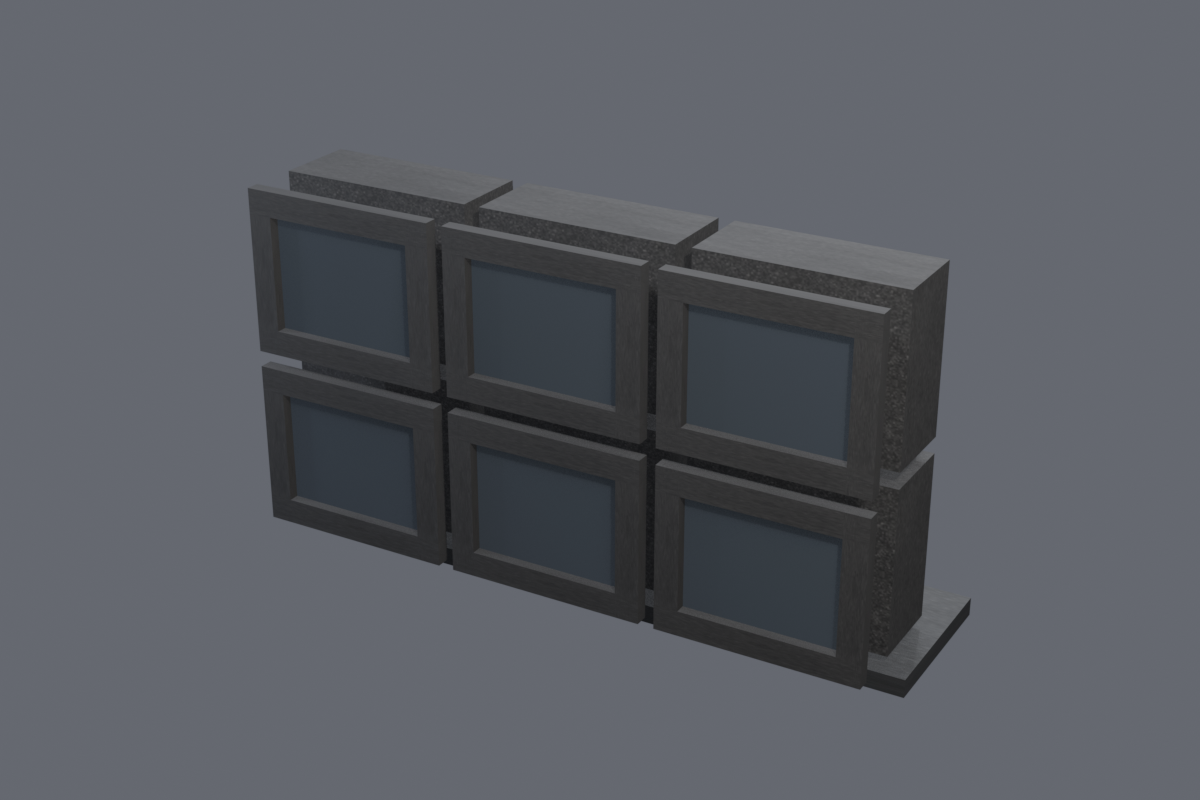
The hero assets were modelled by agents writing Blender code against the platform sculpt kit — no downloaded models anywhere — and rendered by the studio harness for audit before entering the engine scene.
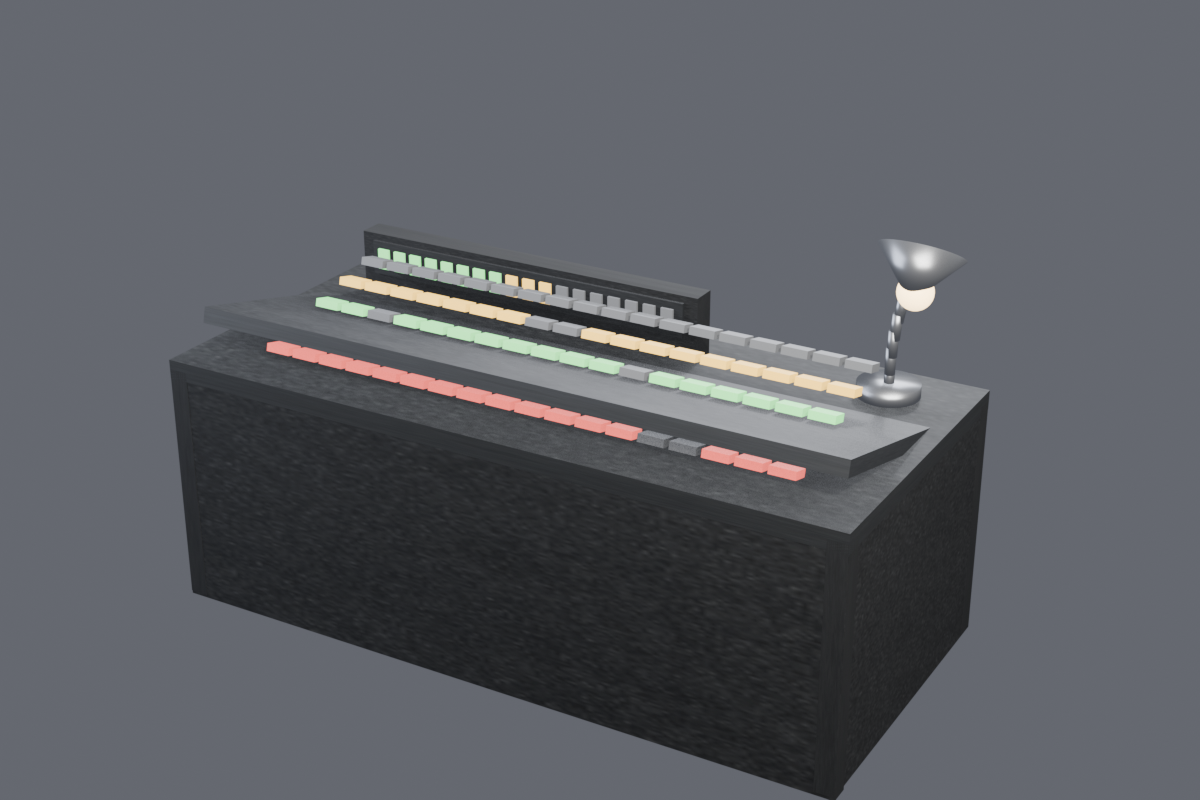
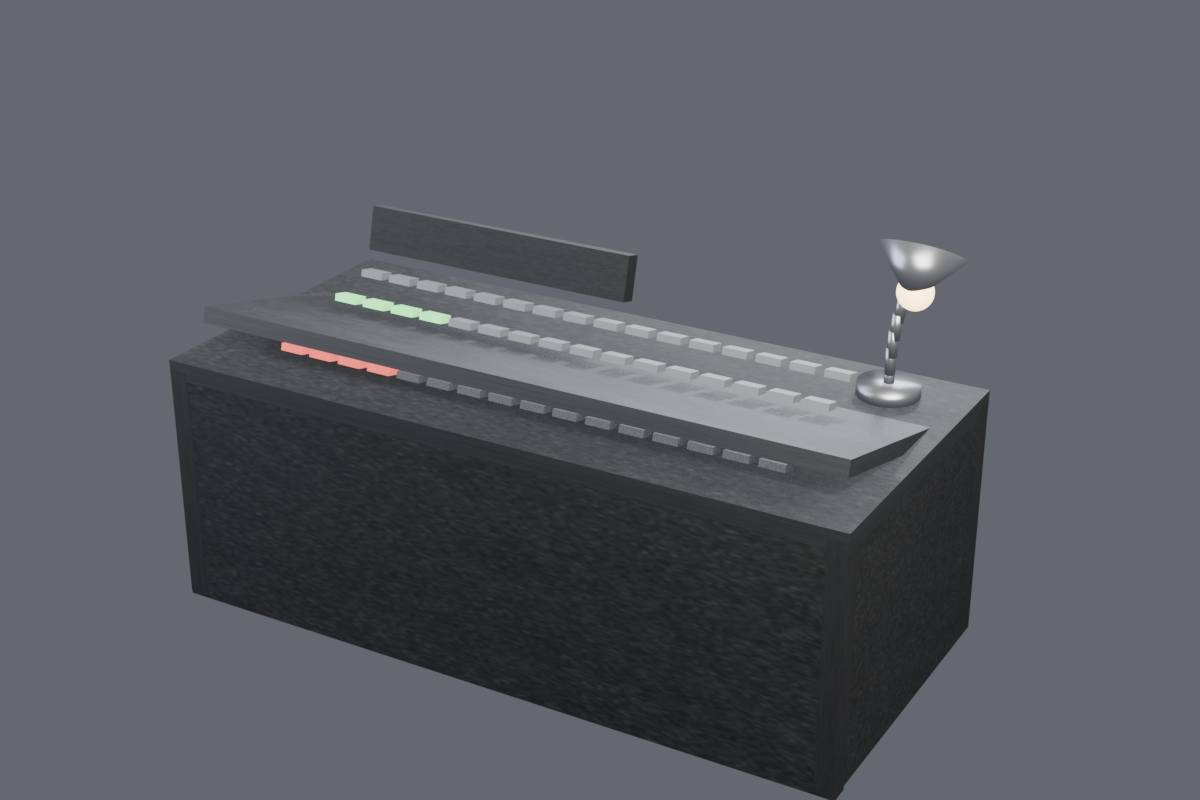
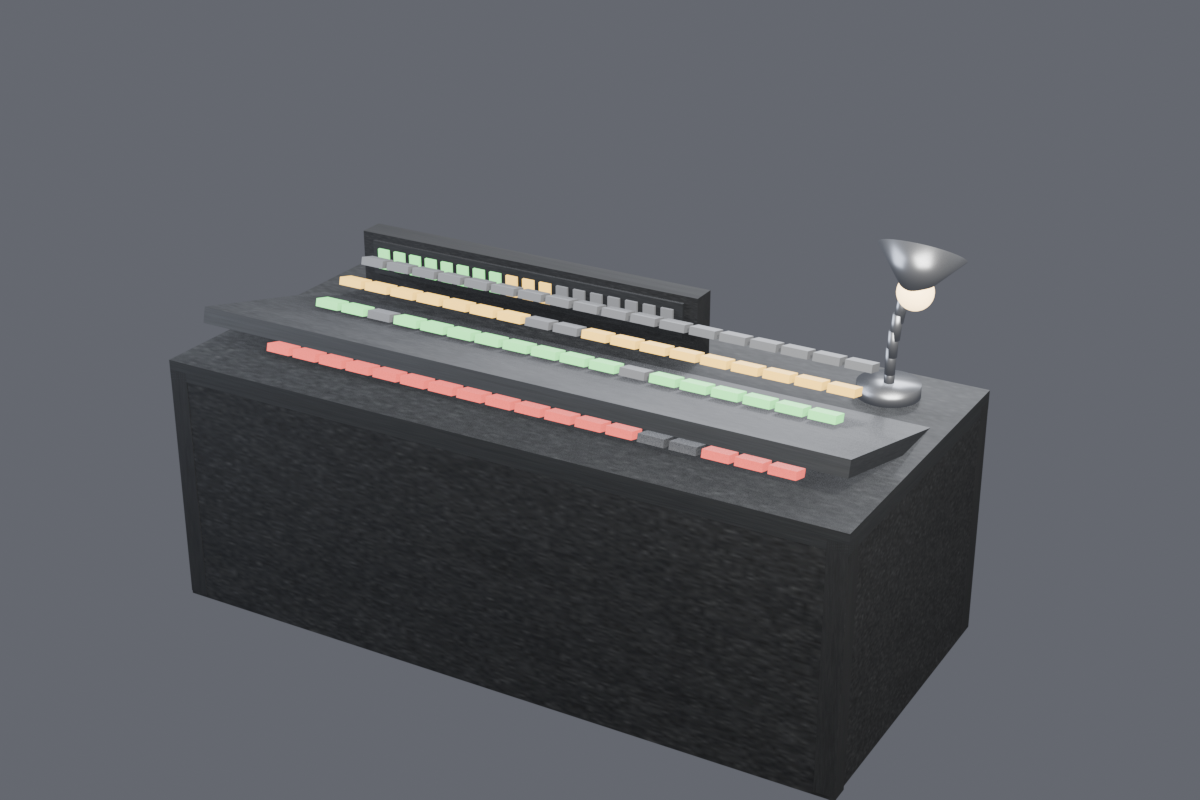
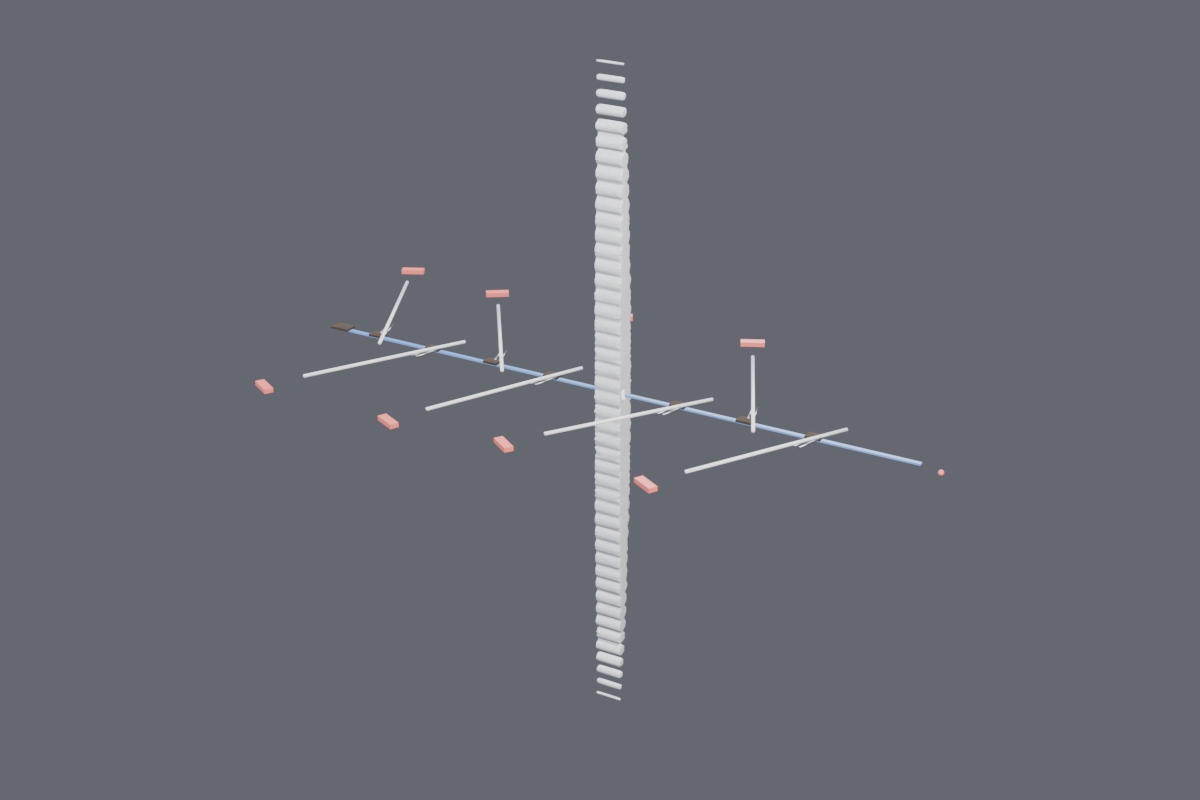
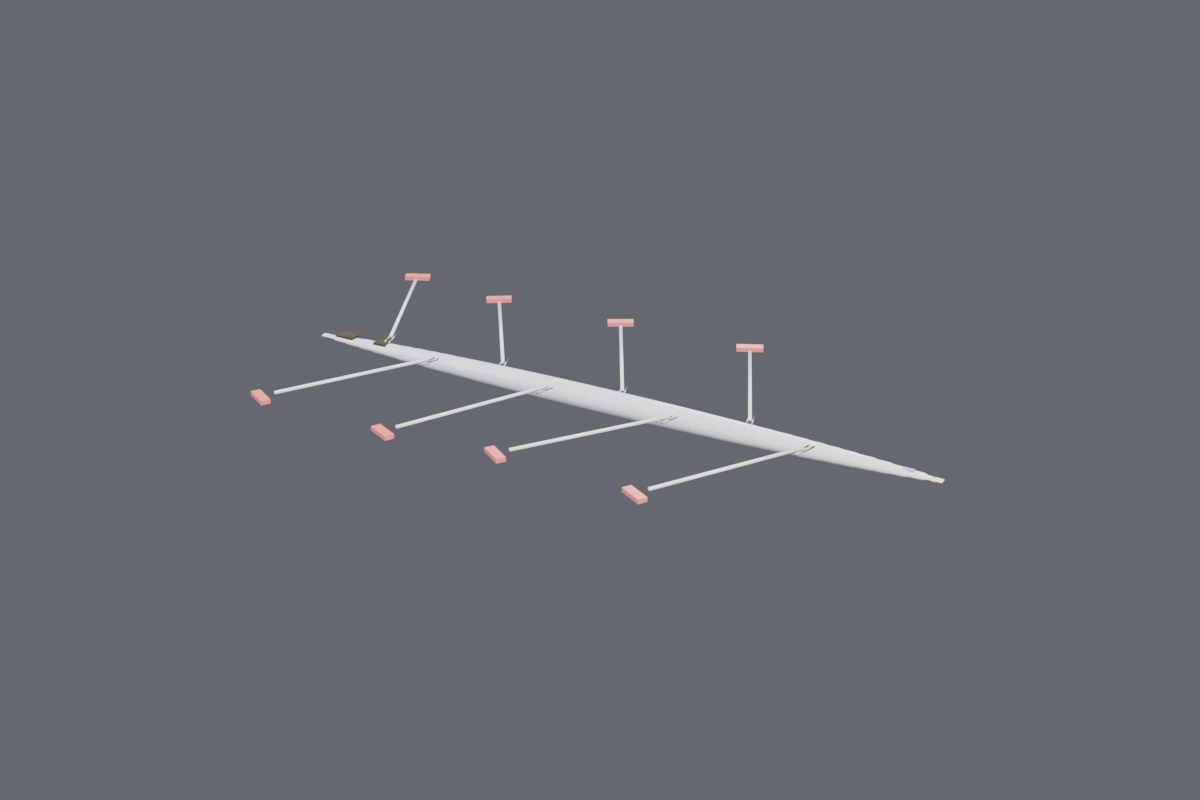
Made by AI, compiled by the real Unity 6 engine
This lab has built six camera pieces and every one of them was about MOVING or configuring a camera - a crane on a shot list, a long lens waiting for a deer, four rigs touring a carnival, a scrubbable one-take. None was ever about CHOOSING between cameras, which is a different verb: a decision, under time pressure, whose cost shows up immediately. The engine question underneath it was open too. An earlier cycle found that a URP overlay camera in a stack blacks out the entire frame in a code-built WebGL scene, and named the workaround - a separate base camera into a RenderTexture - but that was only ever proven for ONE camera. So before a single asset was modelled, four cameras were pointed into four targets and the pixels read back: three subject feeds live with different luma from each other (so it is four real renders, not one output bound four times), and a fourth aimed deliberately at empty sky coming back 0.0% non-black - because an instrument that cannot report darkness cannot report light. The multiviewer is built on that measurement. The display quads are not placed by eye either: the Blender monitor wall ships a named plate inside each recess, and each quad takes its position and size from that plate's measured bounds.